Ethernet Capabilities

Deep visibility into the assets, protocols and traffic on your wired networks.

Asset Detection and Analysis

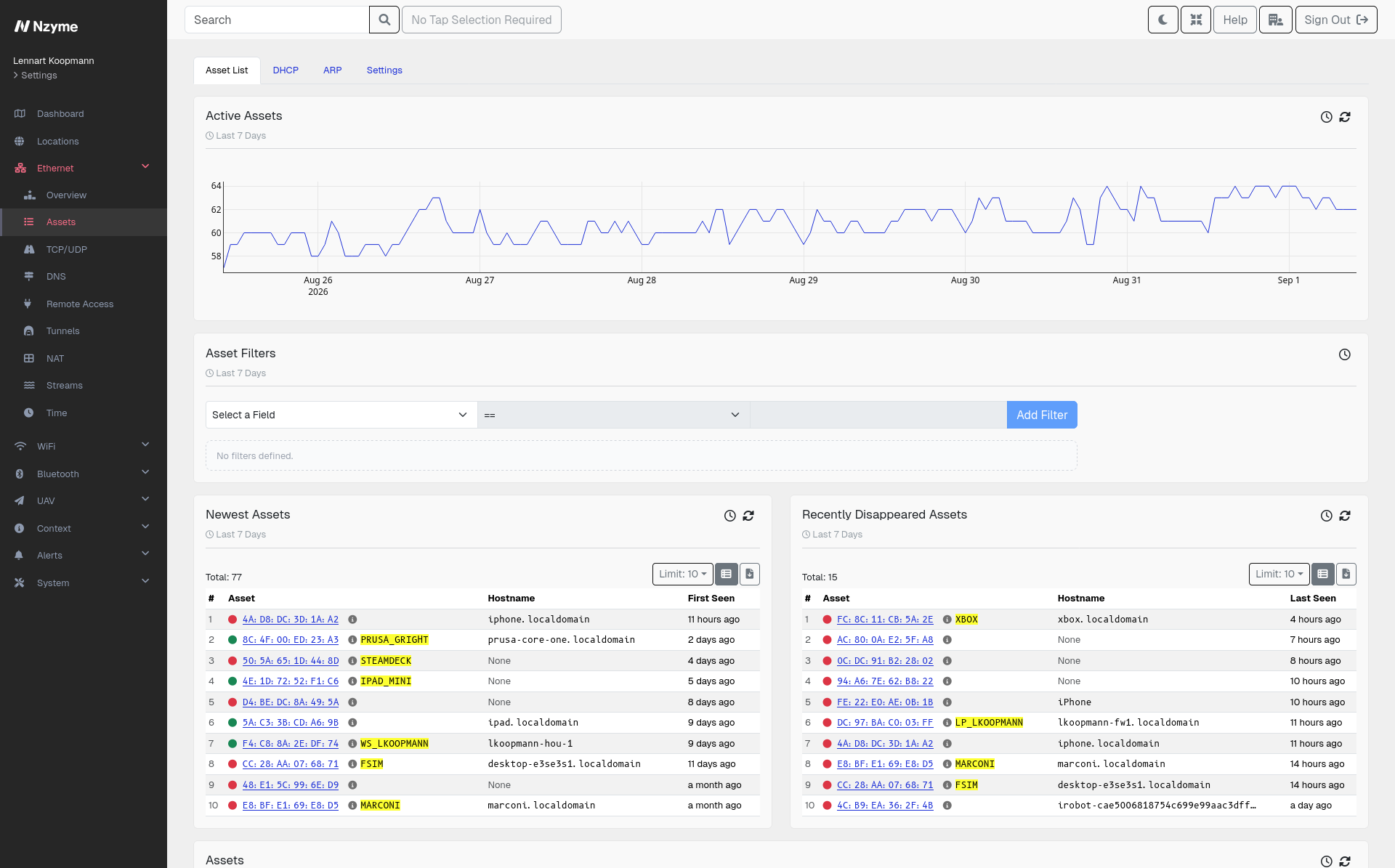
Asset inventories drift out of date. The devices that go missing are usually the ones that cannot run an agent: printers, cameras, badge readers, building systems, lab and factory equipment, contractor laptops. Nzyme builds its inventory from the traffic itself, so a device is in it the moment it speaks on your network.

An incomplete inventory is a blind spot: you cannot detect, contain, or investigate a compromise on a device you do not know exists. Unmanaged and unmonitored assets are routinely the entry point attackers use precisely because they sit outside the tools that would otherwise catch them.

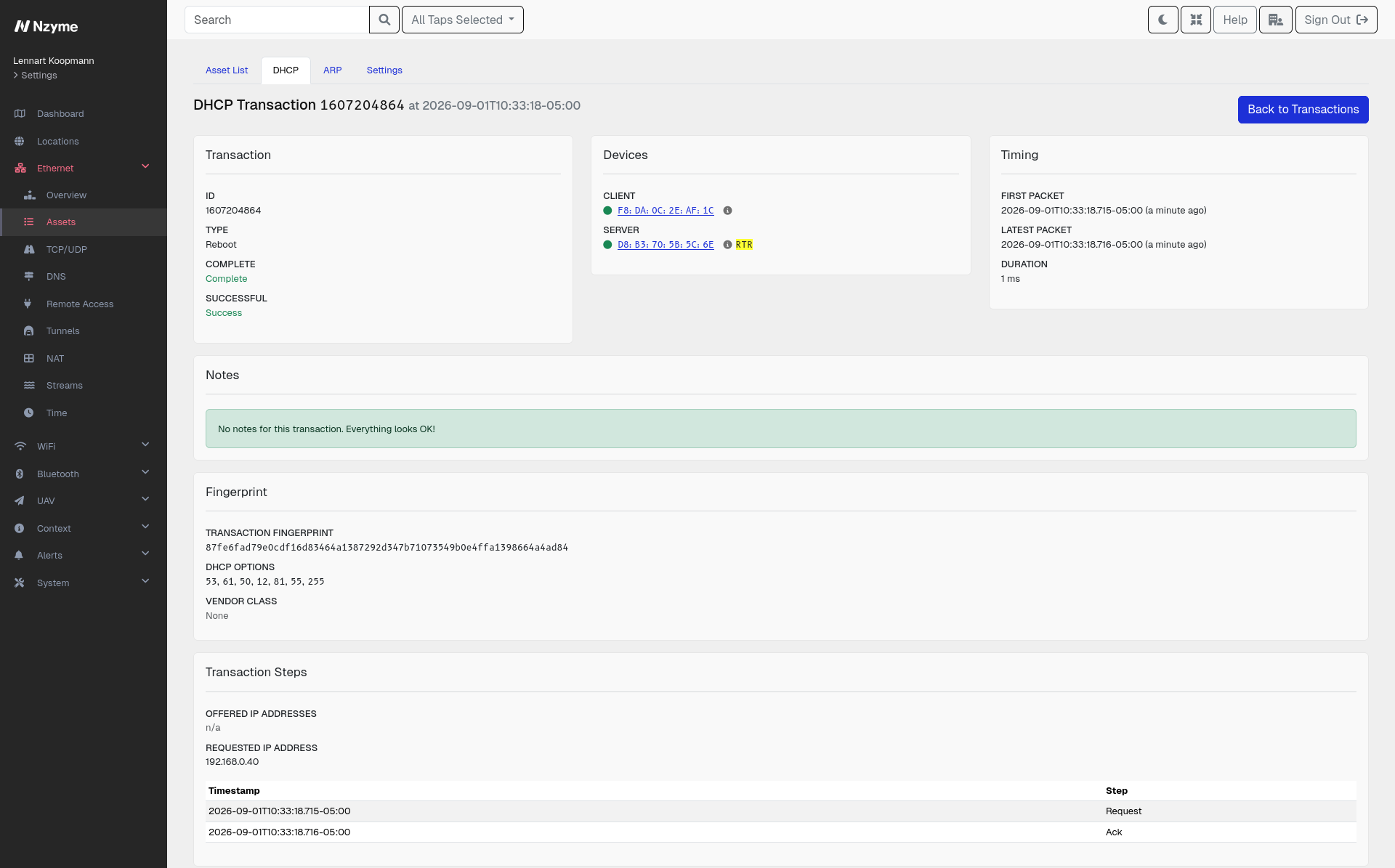
Every host Nzyme sees becomes an asset with a full record of what it is and what it talks to. There is nothing to install on the devices and nothing to scan.

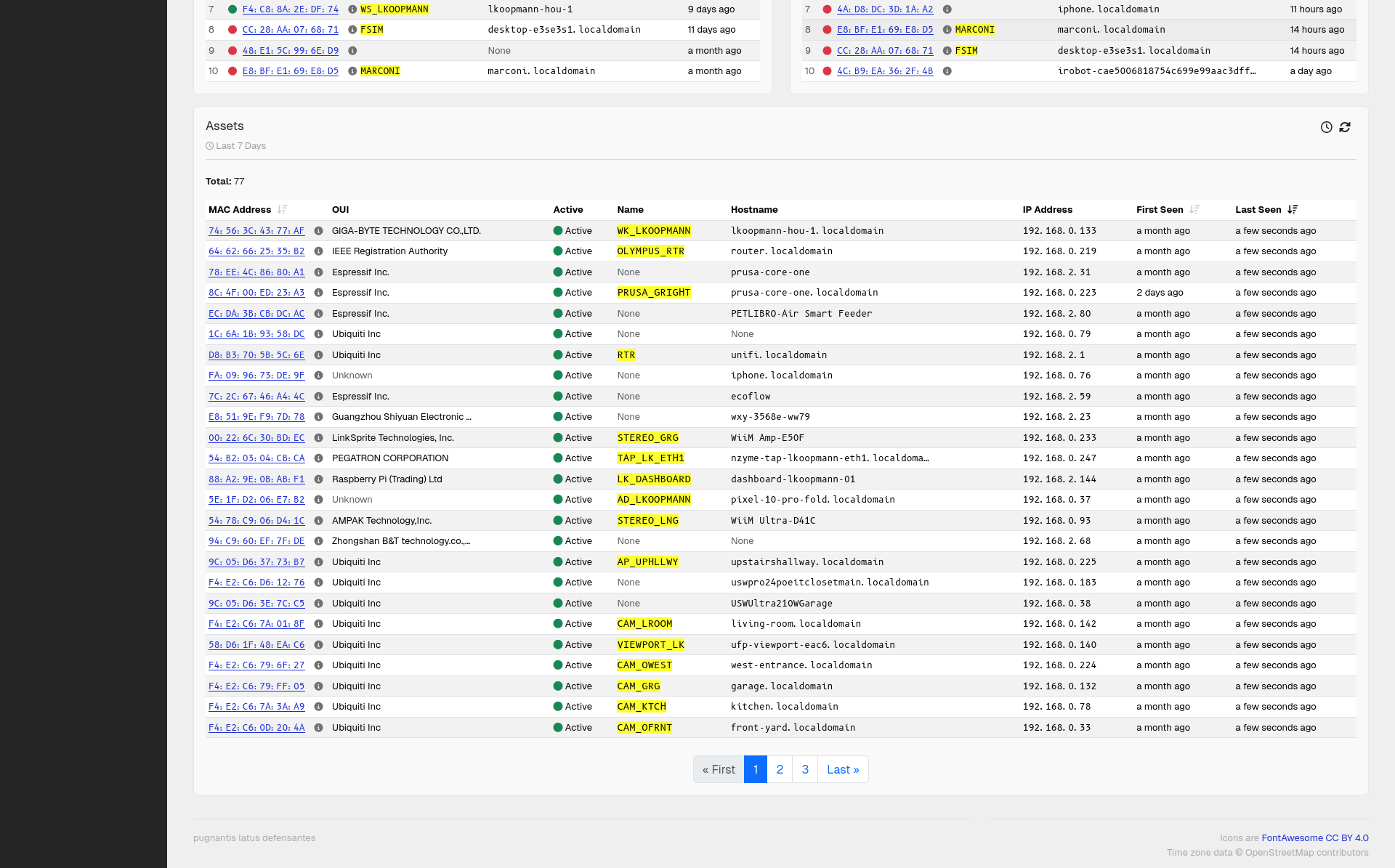
  • A complete inventory, kept current. Every host that communicates on a monitored network is recorded, along with when it was first and last seen.
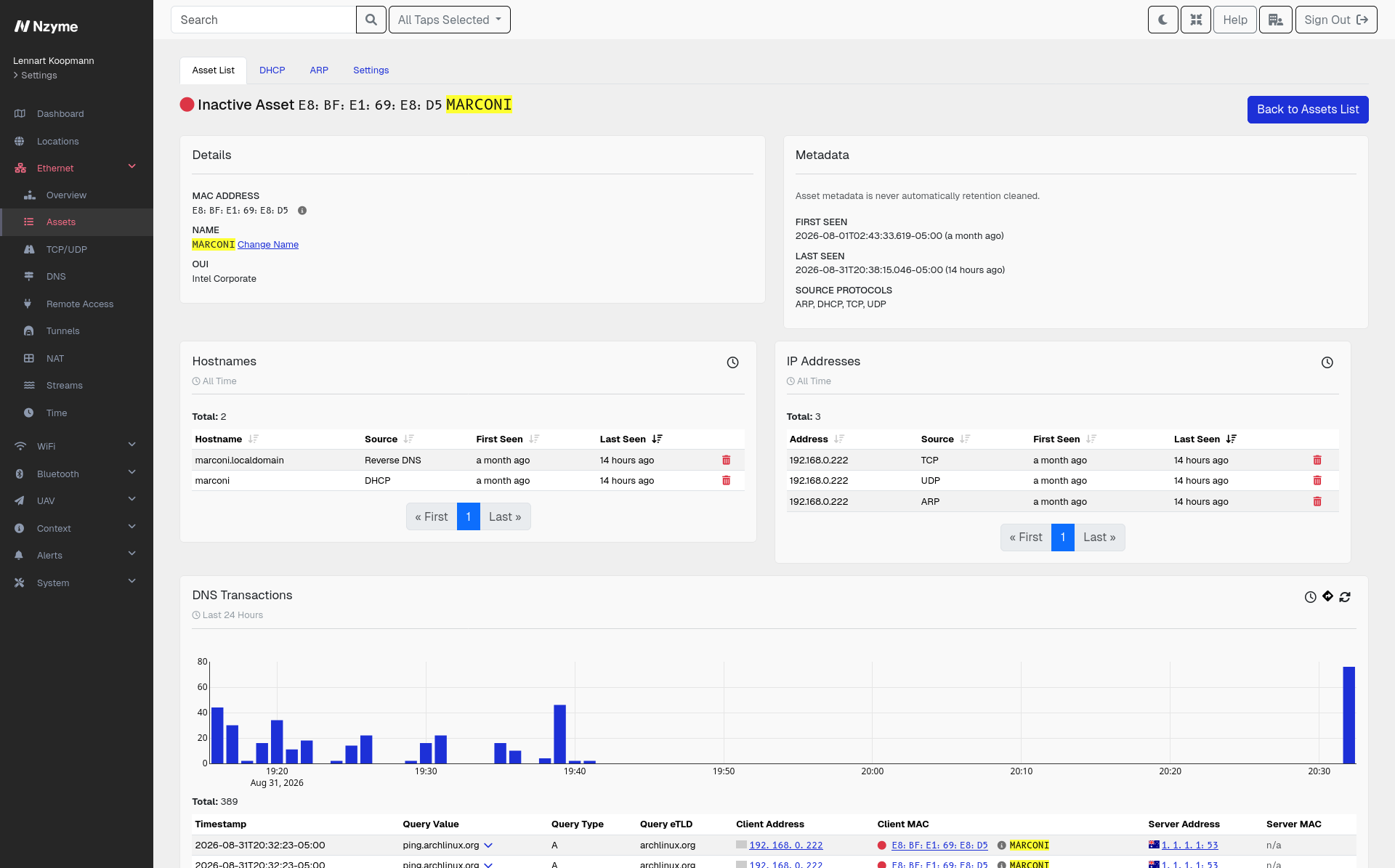
  • Hostnames and addresses. Assets are enriched with the hostnames and the IP addresses Nzyme has observed them using, so a MAC address turns into something you can recognize.
  • Fingerprints. Nzyme fingerprints hosts from their traffic, which helps identify what a device actually is rather than what it claims to be.
  • Communication analysis. For any asset you can see exactly what it has been talking to, which is how you spot a device reaching somewhere it never should.
  • Your own context. Add your own notes and identifying information to a host, and that context follows it everywhere it appears in Nzyme, so the next person does not have to work out what the device is all over again.
TCP/UDP

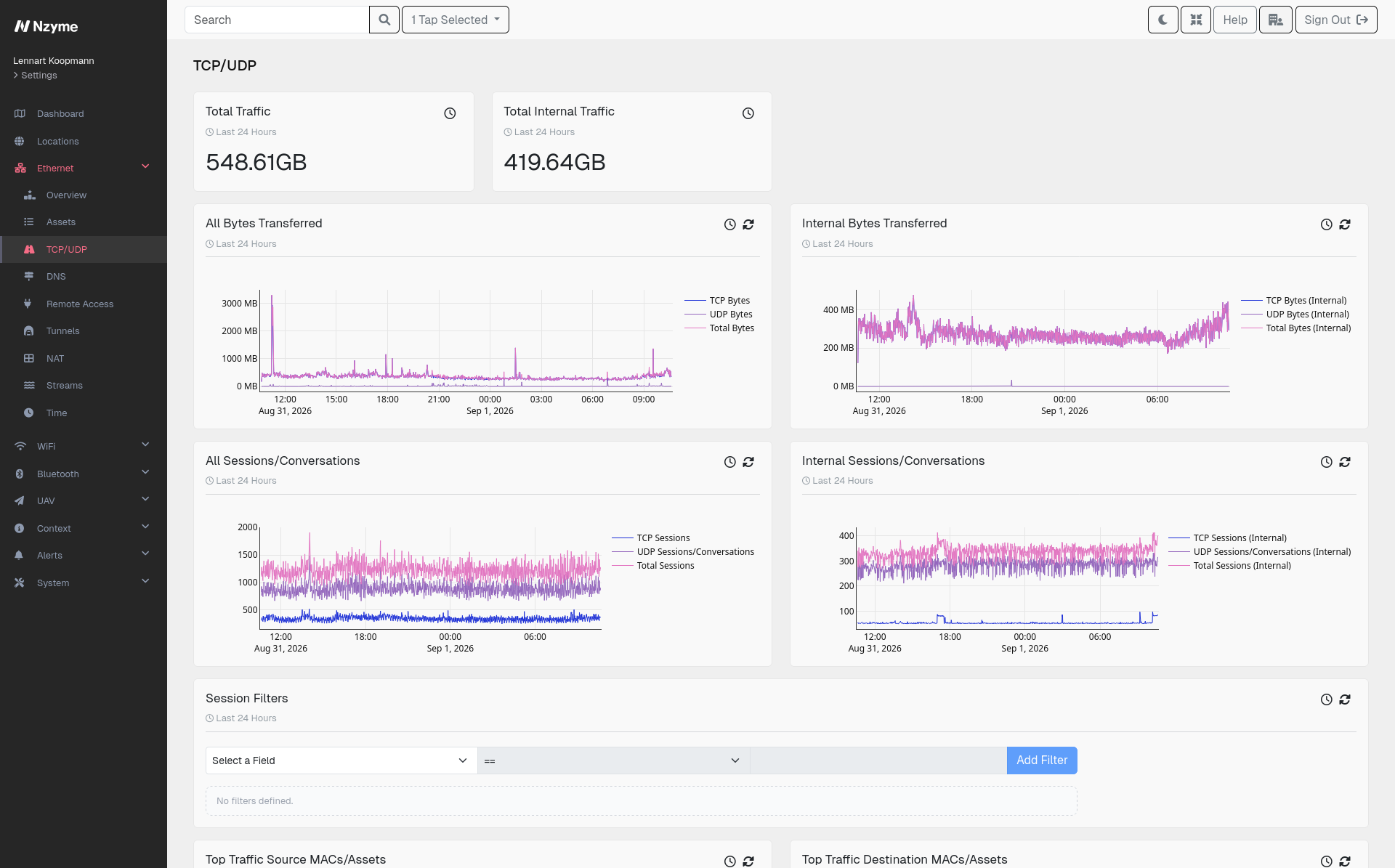
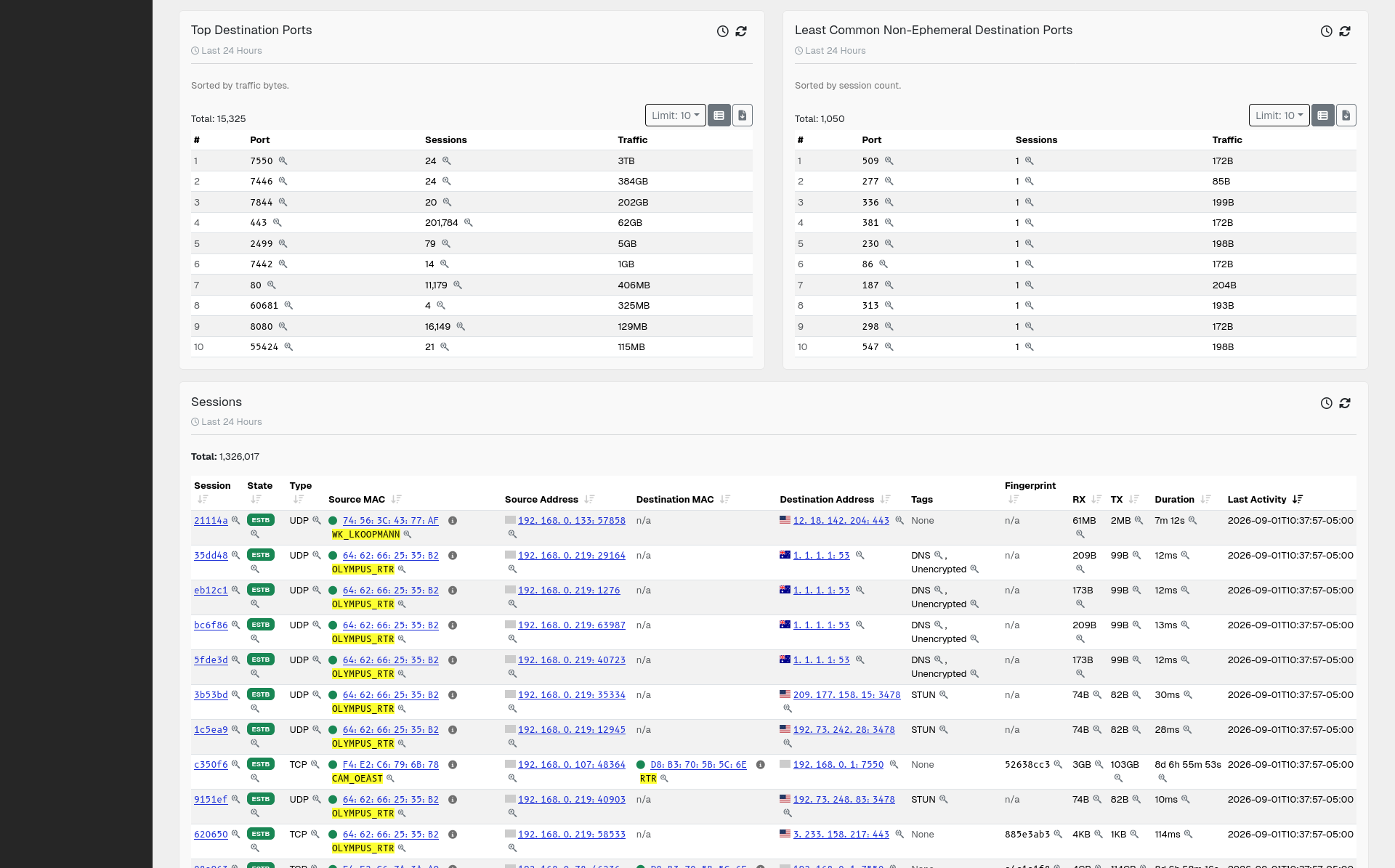
Nzyme records every TCP session and UDP conversation on your monitored networks: who talked to whom, on which ports, for how long, and how much data moved. Full packet capture is too large to keep around for long, but session records are small enough to retain, so you can still answer questions about traffic from weeks ago.

Sessions can be enriched as they are recorded, so an unfamiliar address comes with context instead of requiring a separate lookup.

  • GeoIP. Where the other end of the connection is located.
  • ASN and organization. Which network the address belongs to and who operates it, which is often the fastest way to tell a cloud provider from a hosting service nobody in your company uses.

Everything is filterable, which is what makes it useful for incident response and threat hunting. Narrow to a single host, a port, a country, an organization, or a time window, and work from there.

Session records tell you who communicated and how much. Protocol Tagging tells you what was actually in the exchange, identifying SSH, DNS, and other protocols from the traffic itself rather than from the port number.

Protocol Tagging

Nzyme determines what protocol a session carries by reading the data inside it, not by looking at the port it runs on, and tags the session accordingly. Nzyme inspects only the parts of a session that identify the protocol. It then fingerprints the traffic patterns around those sessions. Where a payload is encrypted, those patterns are often still enough, and Nzyme does not intercept TLS.

Nzyme tags sessions to help you:

  • Find services where they do not belong. For example, a management interface or a database reachable from somewhere that was not intended, whatever port it is listening on.
  • Spot protocol tunneling. This is traffic that hides one protocol inside another to get through a firewall or other security measures.
  • Verify what your policies assume. Cleartext protocols still in use, or an application that was supposed to have been migrated years ago, both become easy to search for.
  • Narrow an investigation quickly. Filter for every session of a given protocol across your environment.

Nzyme deploys passively and never terminates or decrypts a connection, so there are no keys to manage and nothing sitting in the path of your traffic.

DNS

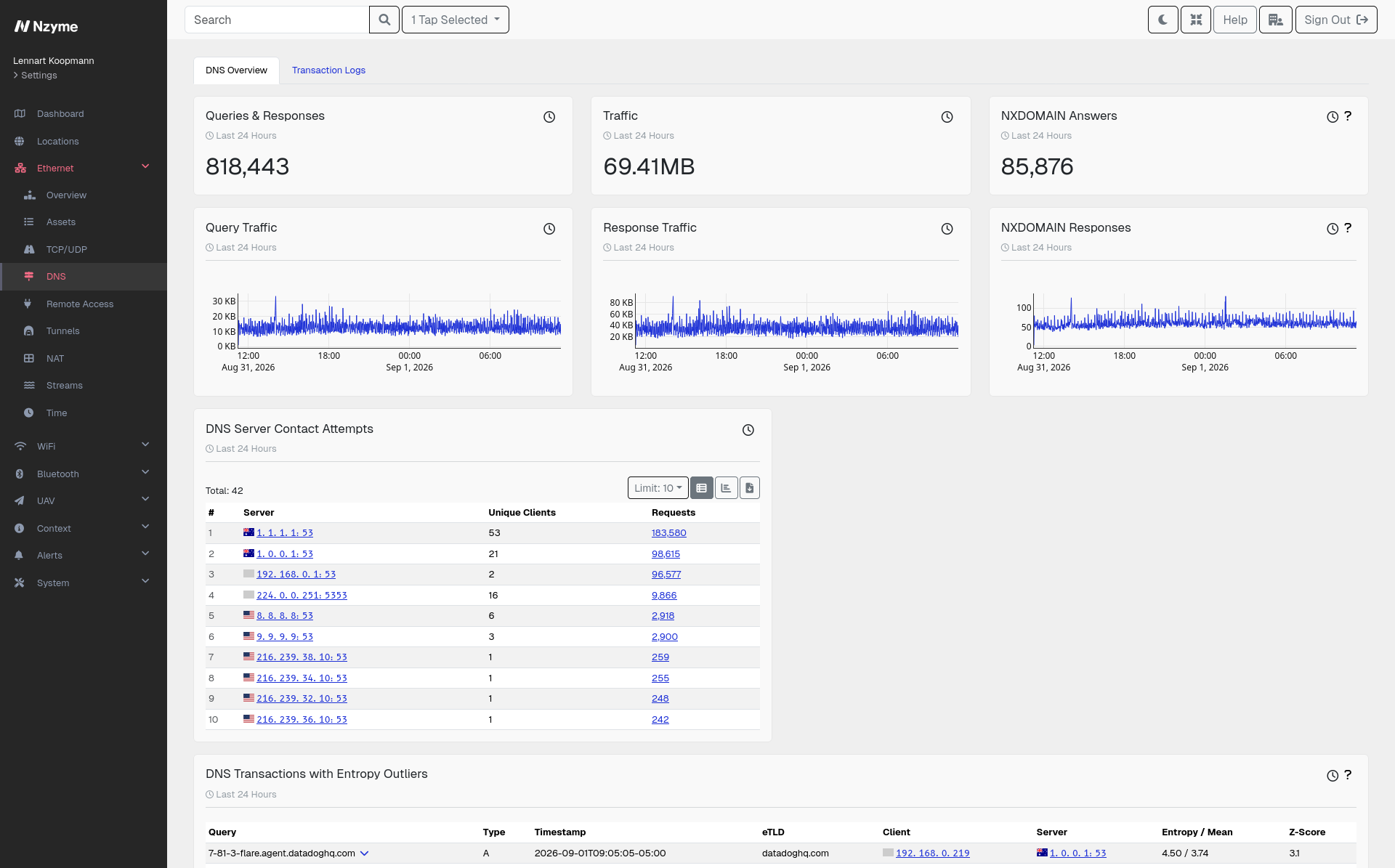
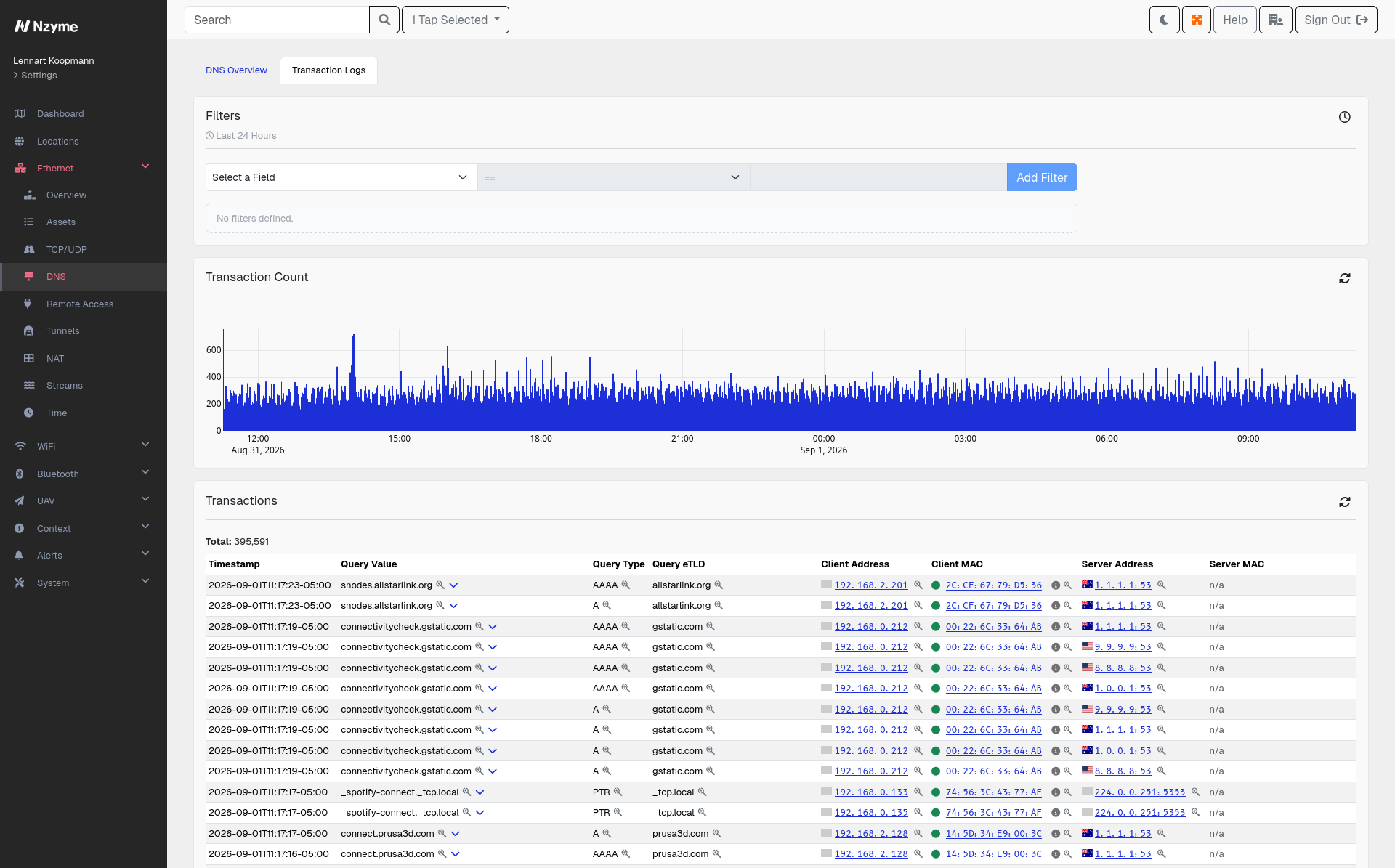
Nearly every connection a device makes starts with a DNS lookup, so DNS records show which systems a host was trying to reach and when. Nzyme finds DNS traffic automatically through Protocol Tagging and pairs each query with its response into a single transaction. You get a readable record of what was asked and what came back, versus individual packets that need to be reassembled manually.

  • Search and filter the full record. Narrow by client, domain, record type, response code, or time window, and visualize what you find.
  • See which DNS servers are actually in use. Nzyme records where each query was sent, so you can tell which resolvers your network relies on in practice. This also lets you find any public resolvers a device was configured with years ago, or rogue resolvers on your network.
  • See lookups your resolver did not log. Because Nzyme observes the traffic itself, queries from devices that skip your internal resolvers are recorded too.
  • Detect DNS tunneling. Encoding data in queries and responses is a common way to move traffic past security controls since they usually allow any DNS requests. Nzyme recognizes the patterns this produces, which look nothing like ordinary lookups once you have the full transaction record.
  • Spot beaconing. Malware that calls home on a schedule leaves a rhythm in DNS traffic that can be identified.

Remote Access

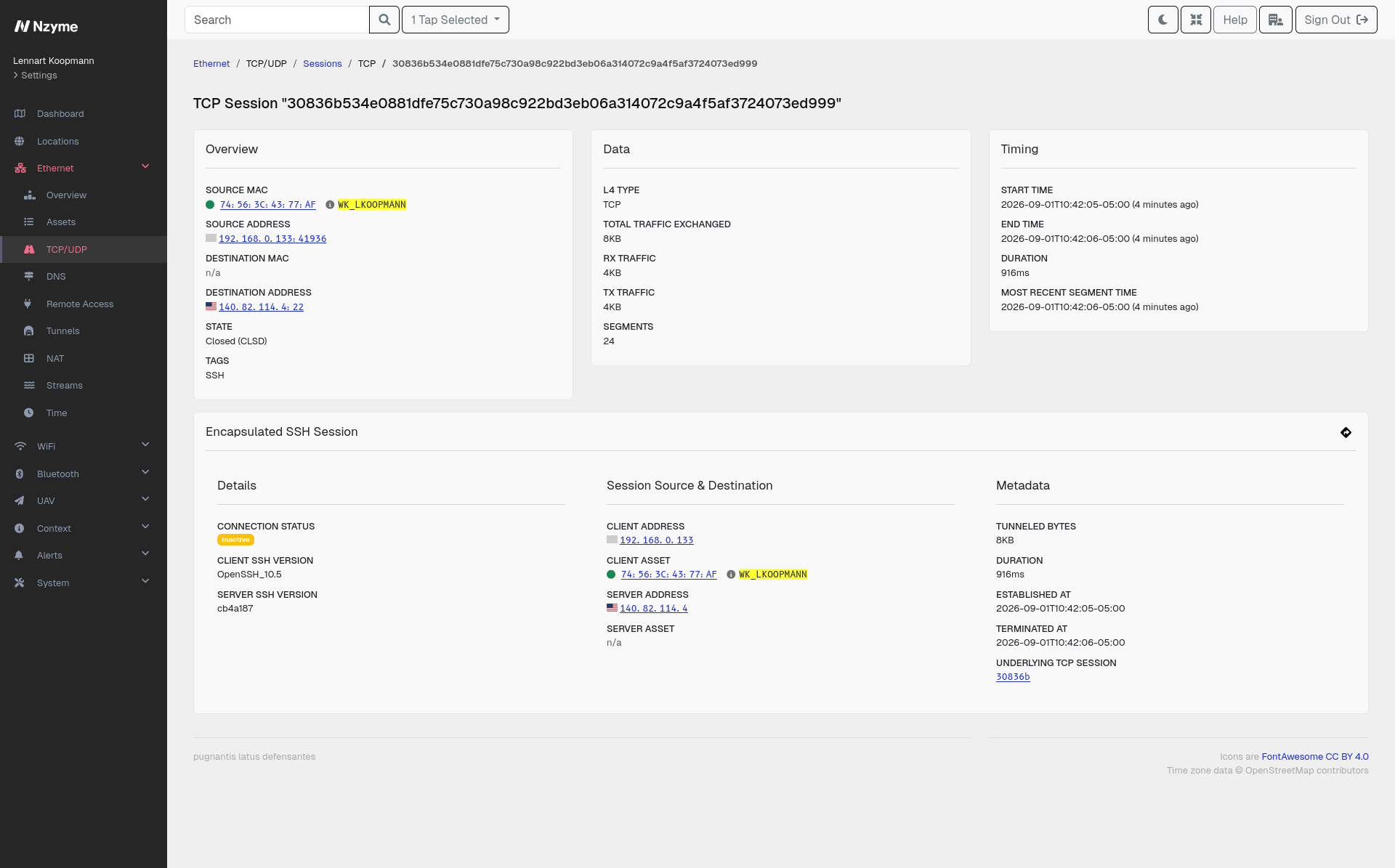
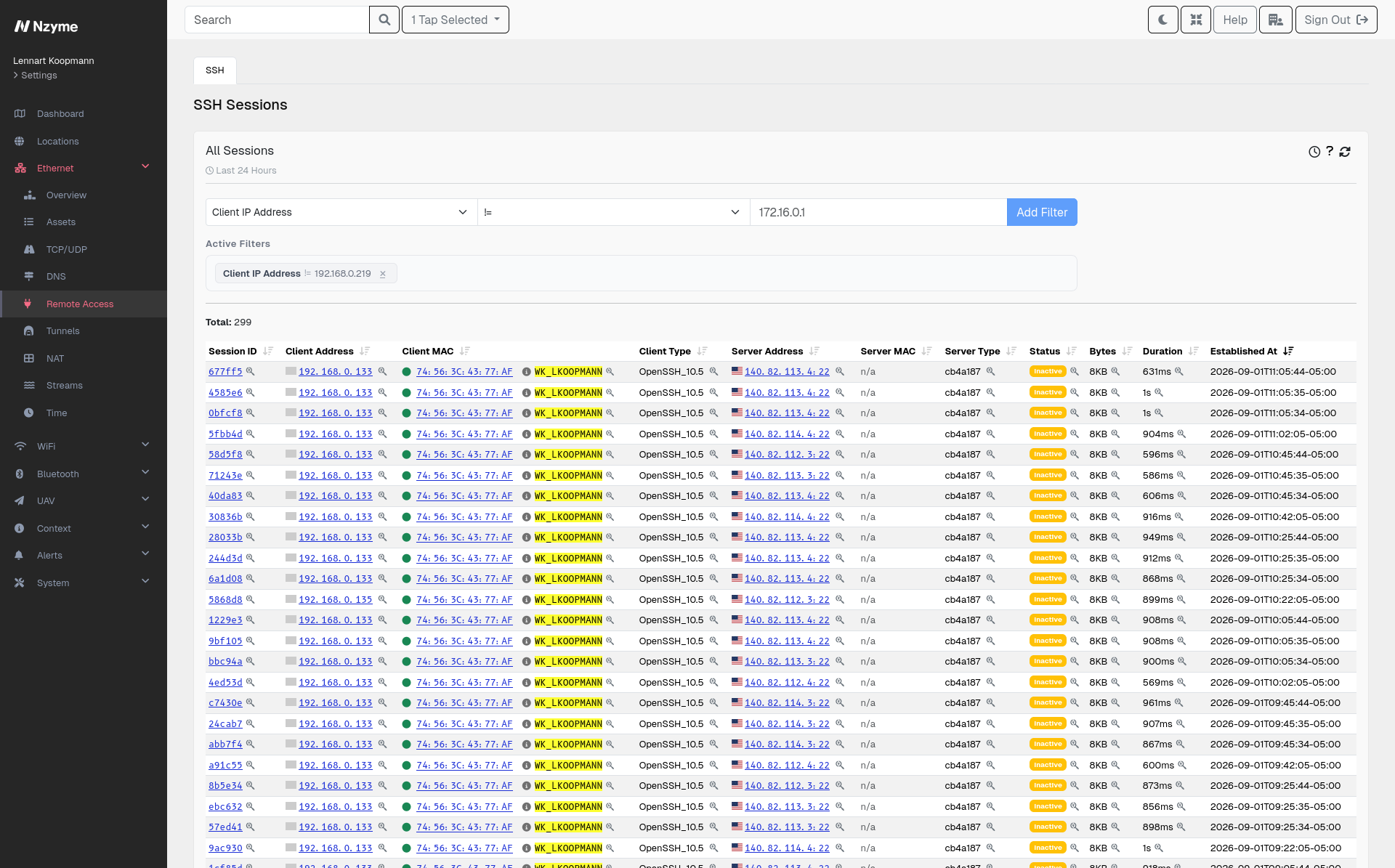
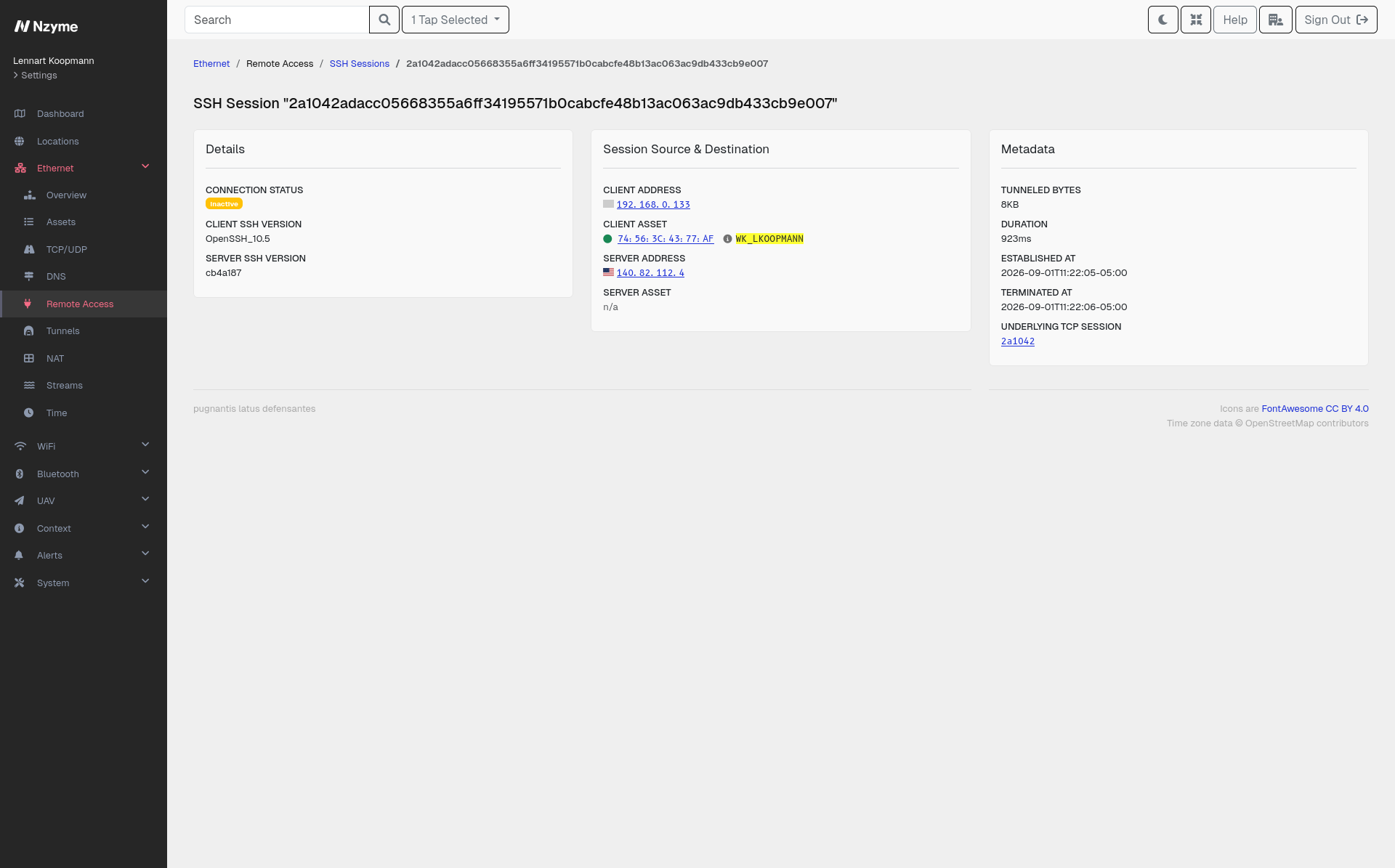
Remote access is how administrators work and is also exploited by attackers once they are inside. Nzyme detects SSH connections through Protocol Tagging, no matter which port they use, and records them in both directions. Every session in and out of your monitored networks is on file, allowing you to identify and follow any unauthorized access.

  • Understand what a host does. Which systems it reaches over SSH, which systems connect to it, and when.
  • Follow lateral movement. An account hopping from host to host leaves a trail that can be seen once every connection is recorded in one place.
  • Notice access that should not exist. A workstation with outbound SSH to the internet, or a server suddenly accepting connections from a part of the network that never touched it before.
  • See both ends of the conversation. Sessions are recorded with the endpoints, the timing, and the software versions each side advertises.

RDP support is currently in limited testing.

Tunnels

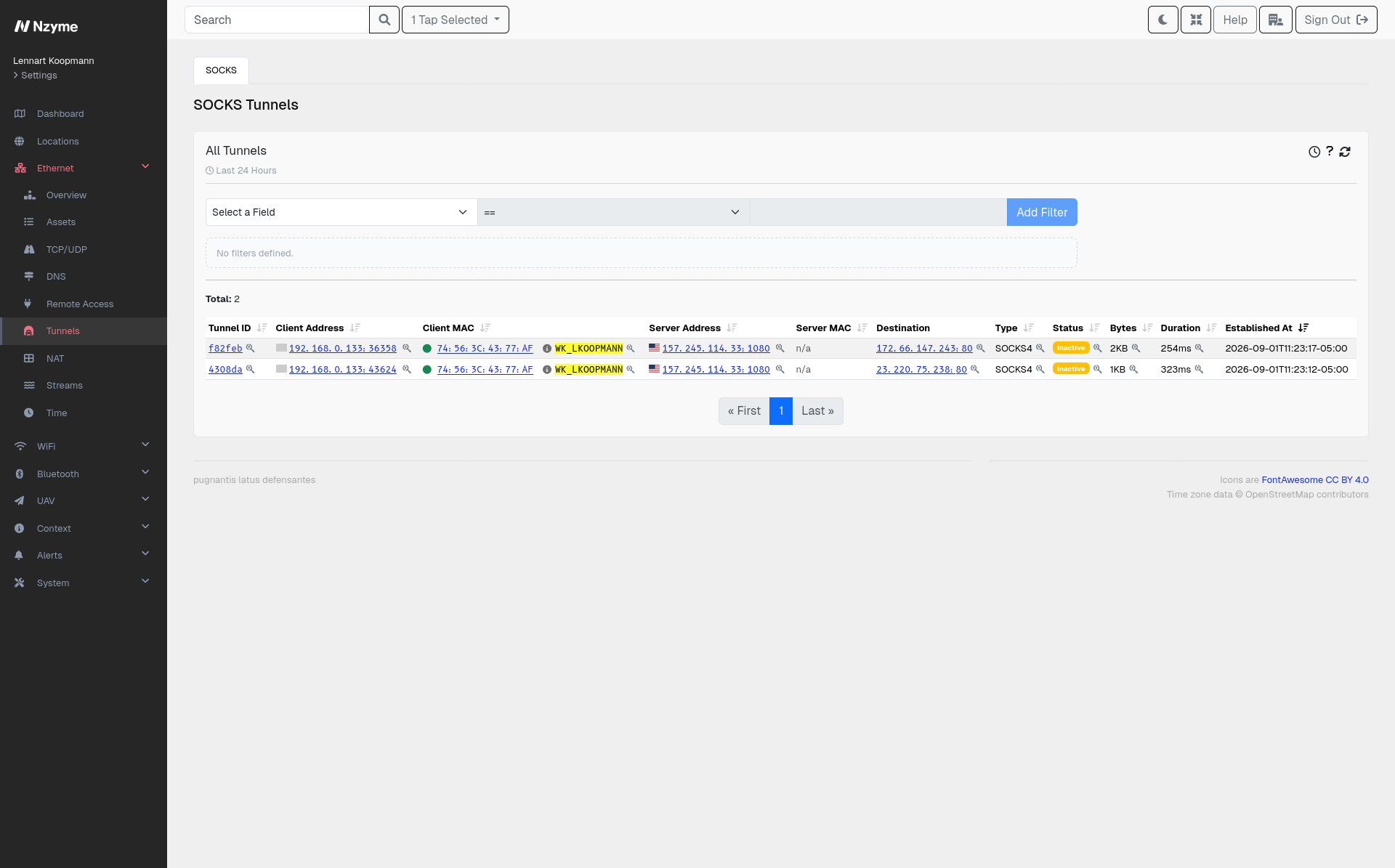
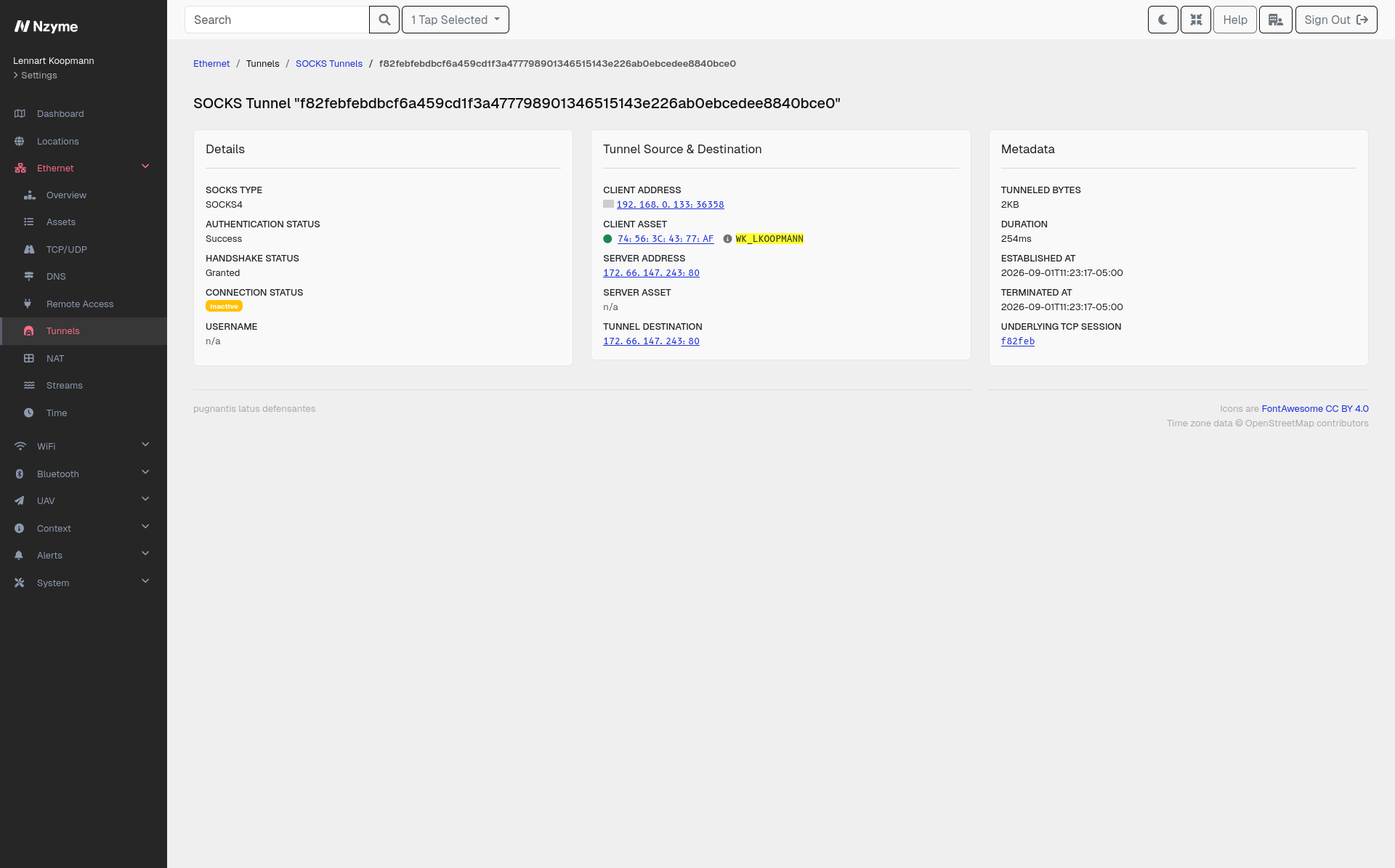
Tunnels do not give you a view of traffic after the proxy. To anything watching the network, a host is talking to a proxy, and every connection beyond that is out of view. Nzyme detects and parses all versions of SOCKS and records what is happening inside the tunnel. The destination requested through the proxy is also recorded alongside the connection to it.

SOCKS has plenty of legitimate uses, and it is also one of the most convenient tools an attacker has. A single ssh -D gives them a working proxy into your network from any host they control.

  • See where tunneled traffic is going. Nzyme records the destination each request asked for, not just the proxy the client connected to.
  • Find tunnels wherever they run. Detection happens through Protocol Tagging, so a SOCKS proxy on an unremarkable port is recognized like any other.
  • Judge whether a tunnel belongs. Every SOCKS connection is recorded with its endpoints, its timing, and how it authenticated, which is usually enough to separate a known internal proxy from something a host started on its own.

OpenVPN and WireGuard support is currently in limited testing.

Streams

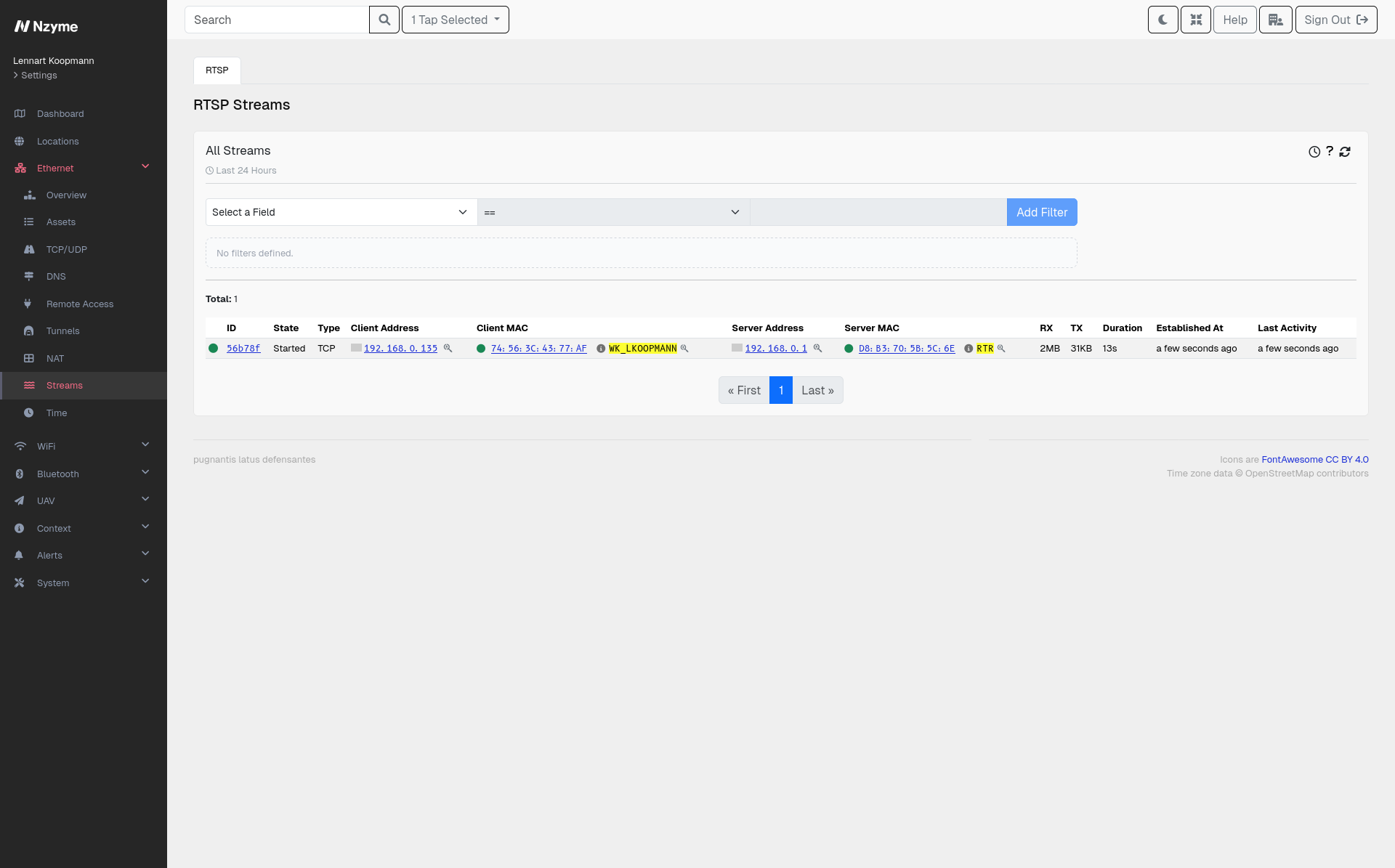
A stream is a connection that stays open and keeps moving data: a camera feed, a screen share, a backup job, a replication link, or a device reporting to a service somewhere. They behave differently from the short request and response traffic around them. Because they are long lived and high volume, they are also a natural way to move data out of an environment. Nzyme tracks these connections for as long as they run, so a stream that should not exist is easy to surface in a list of many sessions.

  • Any long-running connection. Nzyme keeps track of all connections that stay open, regardless of the protocol they speak. A session that has been up for hours, or one steadily pushing data somewhere unfamiliar, is worth understanding.
  • RTSP. Nzyme parses the protocol most IP cameras and video systems use, so you can see which devices are streaming, what they are streaming, and who is watching.
  • WebRTC. Conferencing, screen sharing, and remote support tools all use this. So do applications that want to hide. Its data channels carry arbitrary data, not just audio and video. It pairs closely with NAT/STUN/TURN, which is how these connections find their way through your perimeter.

NAT/STUN/TURN

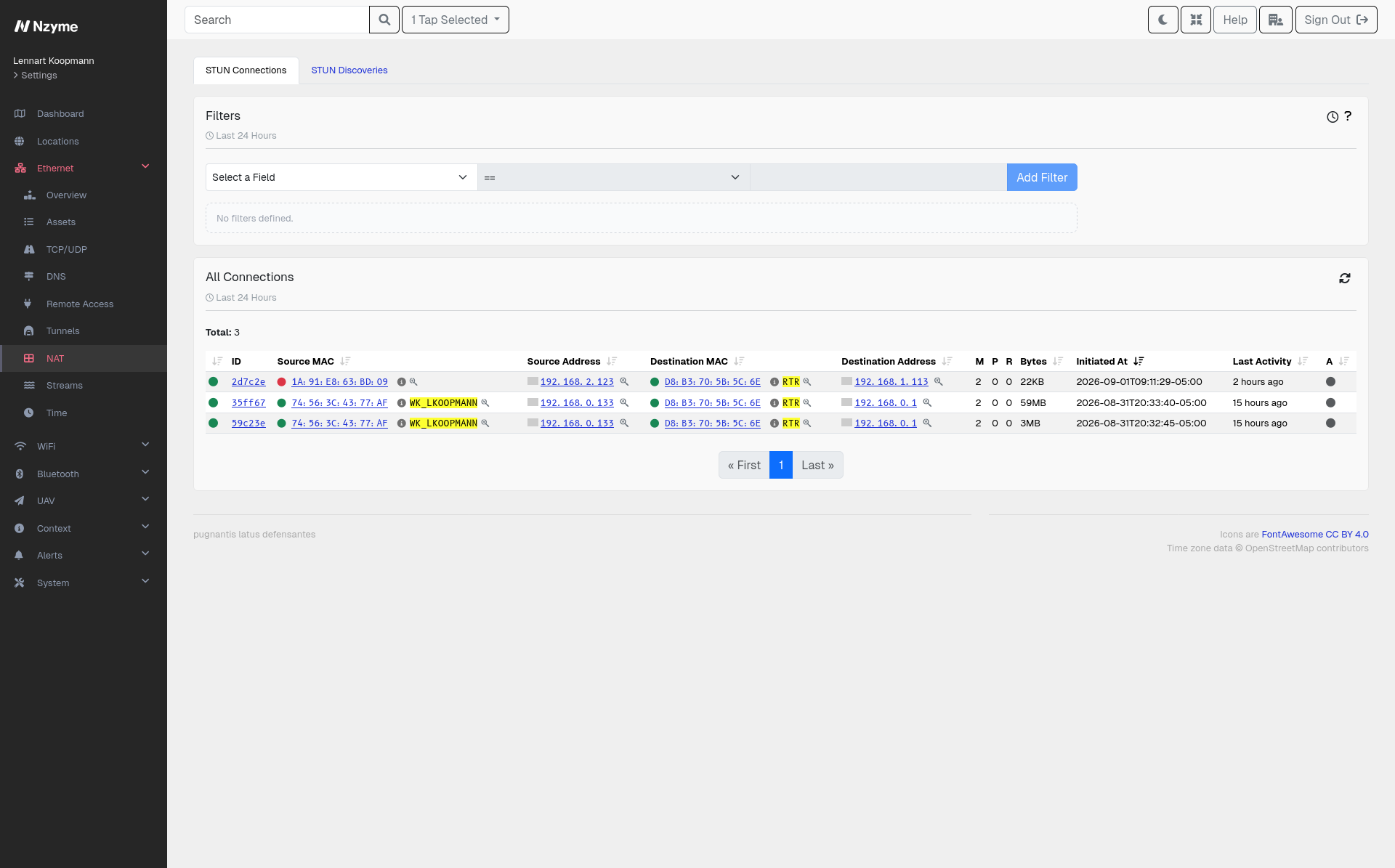
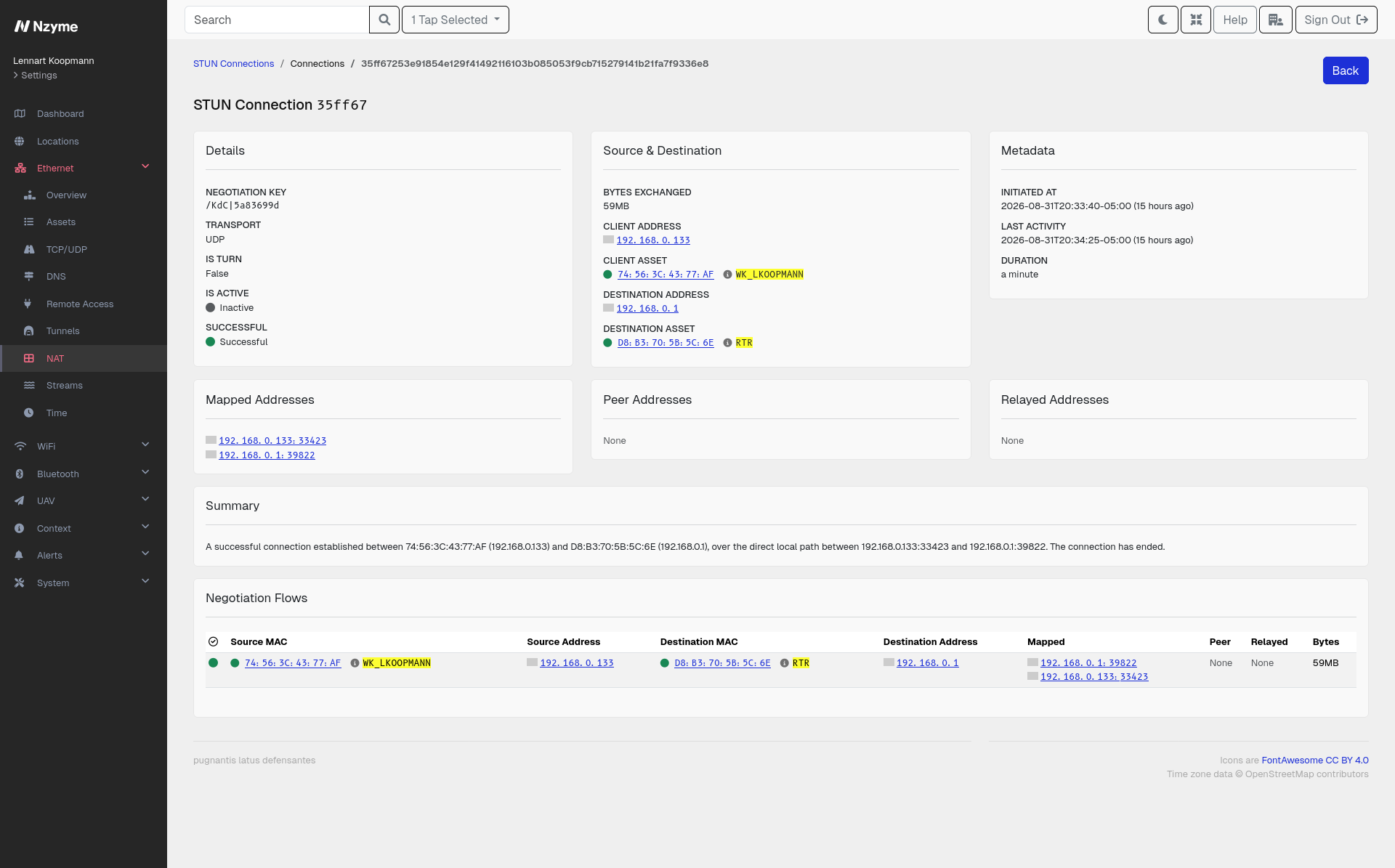
An application that wants a direct connection between a host on your network and an external peer must go through NAT first. The application does this by asking a STUN server what its public address looks like, then using that answer to punch a hole through the NAT from the inside, or by falling back to a TURN server that relays the application traffic.

This is how video conferencing works, and it is also how remote access tools, file sharing applications, and command and control channels avoid your perimeter. Nzyme parses and tags this activity so the negotiation is visible, as well as the traffic that follows it.

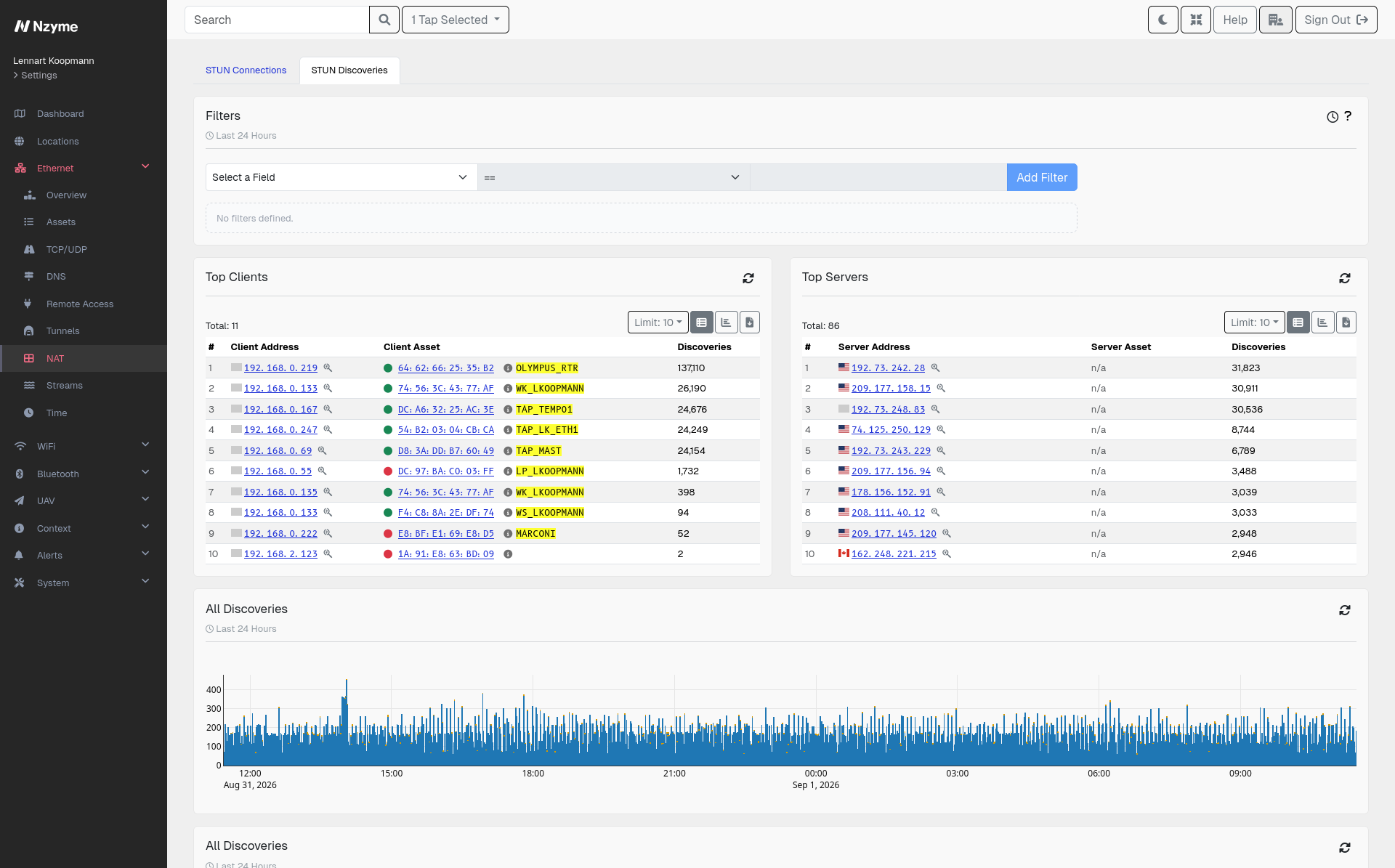
  • See which hosts are discovering their external address. A STUN request is a host asking for its server-reflexive address, which means something on it is preparing for a peer-to-peer connection.
  • See the connections that get established. STUN and TURN sessions are recorded with their endpoints, so you know which relays and peers are involved.
  • Find unapproved applications. Remote access and file sharing tools rely on this negotiation, which makes it a reliable way to spot them even when their actual traffic is encrypted and peer-to-peer.
  • Understand the traffic it sets up. NAT traversal is the first step of most WebRTC connections, and the two records read together tell the whole story.

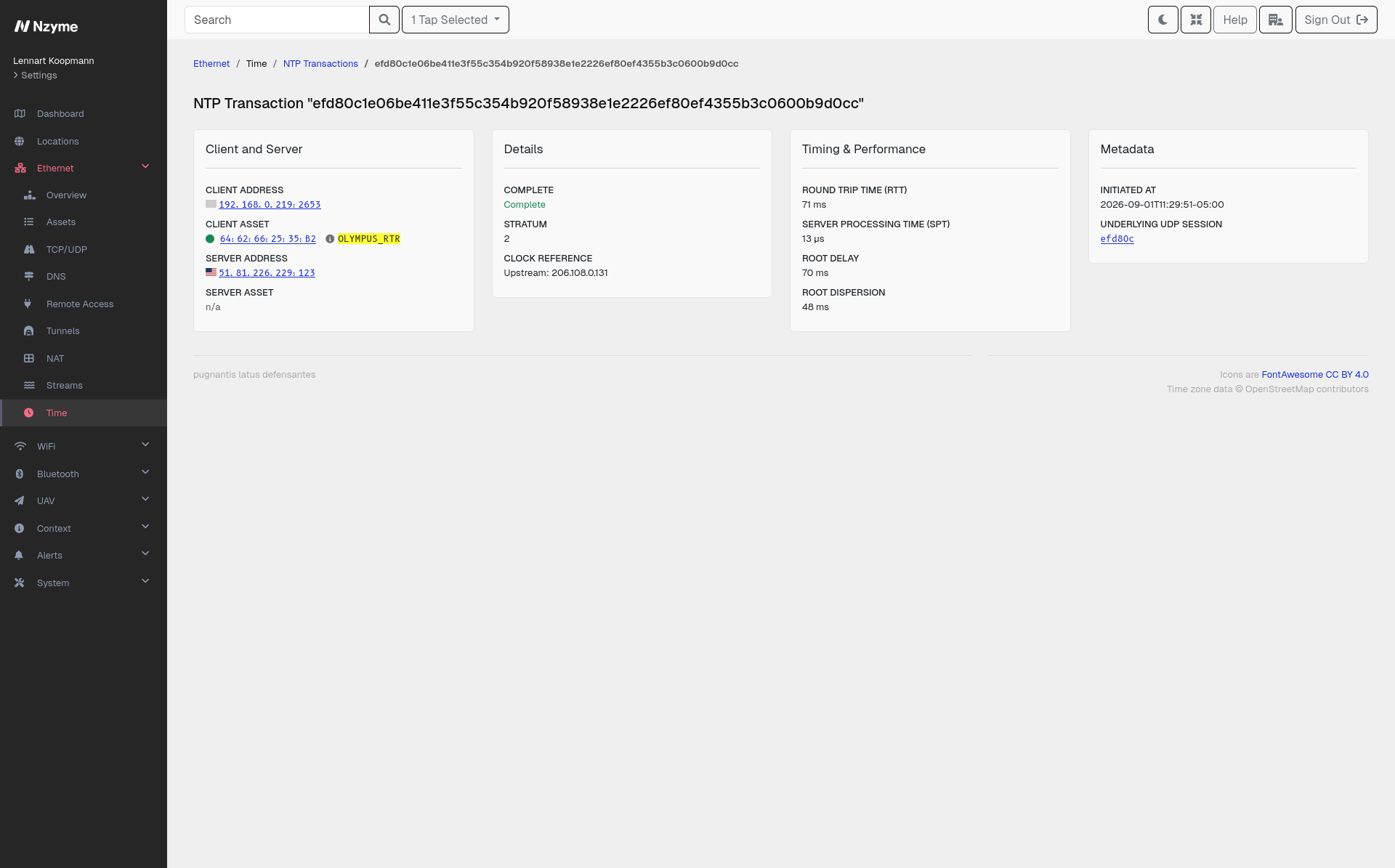
Time

Much of your infrastructure stops working when clocks drift apart. Kerberos rejects tickets outside a few minutes of skew, certificate validity is a comparison of timestamps, one-time codes are derived from the current time, and log correlation across systems only works if the timestamps line up.

For some industries, time is part of the product. Financial firms have to timestamp orders to regulatory tolerances measured in microseconds. Power grids, industrial control systems, and telecommunications networks rely on synchronized time to coordinate equipment that is physically far apart. All of it rests on protocols like NTP.

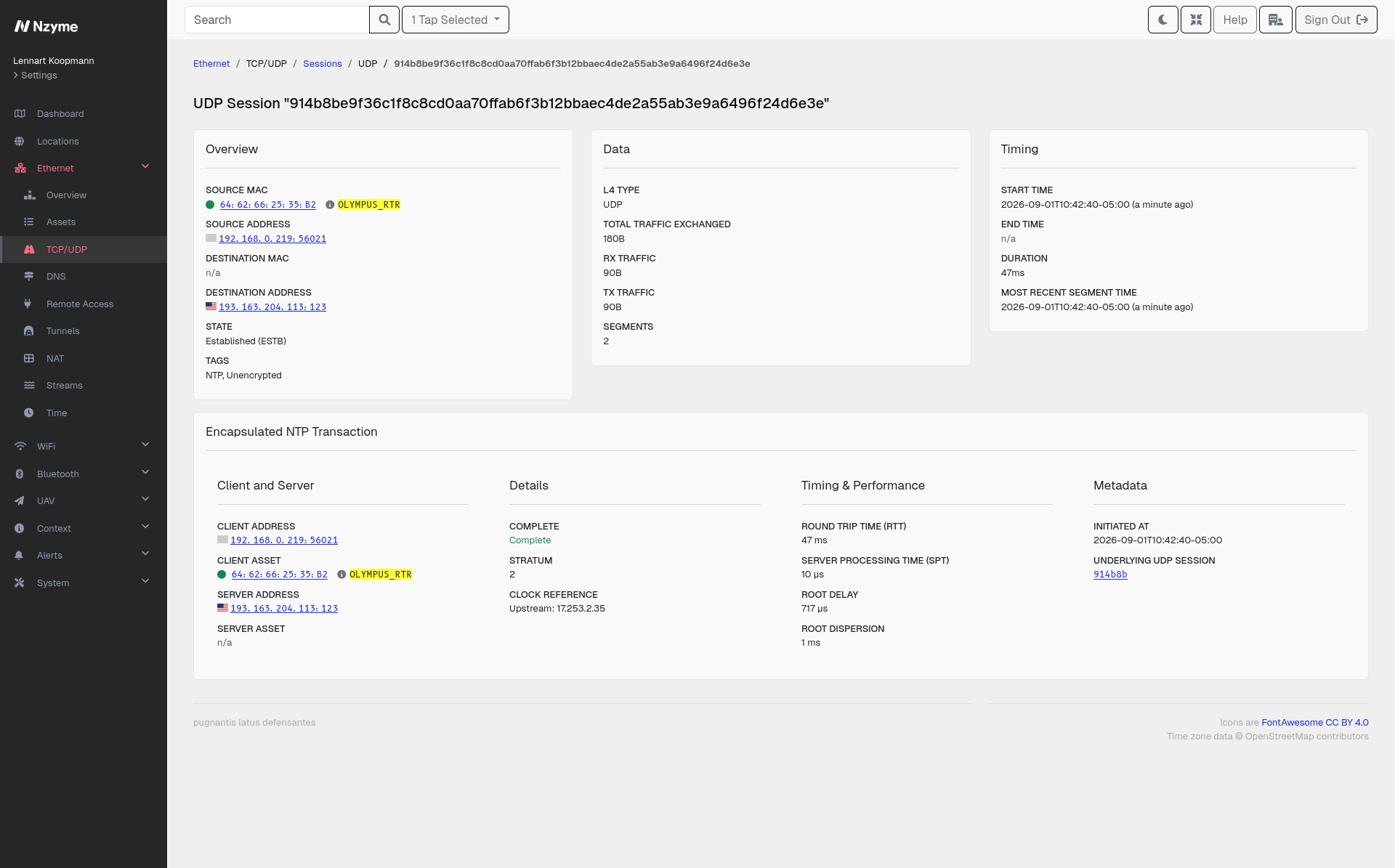
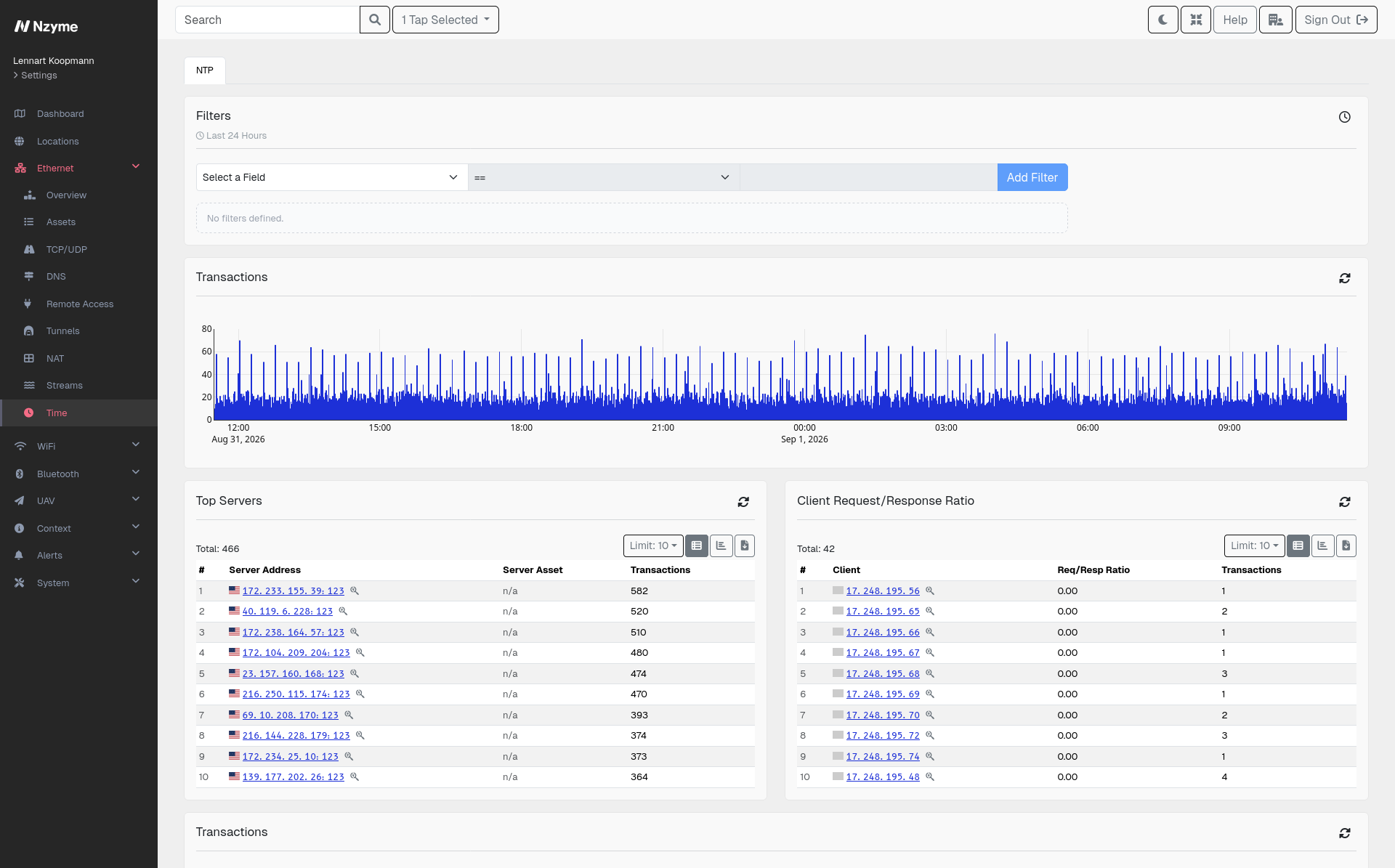
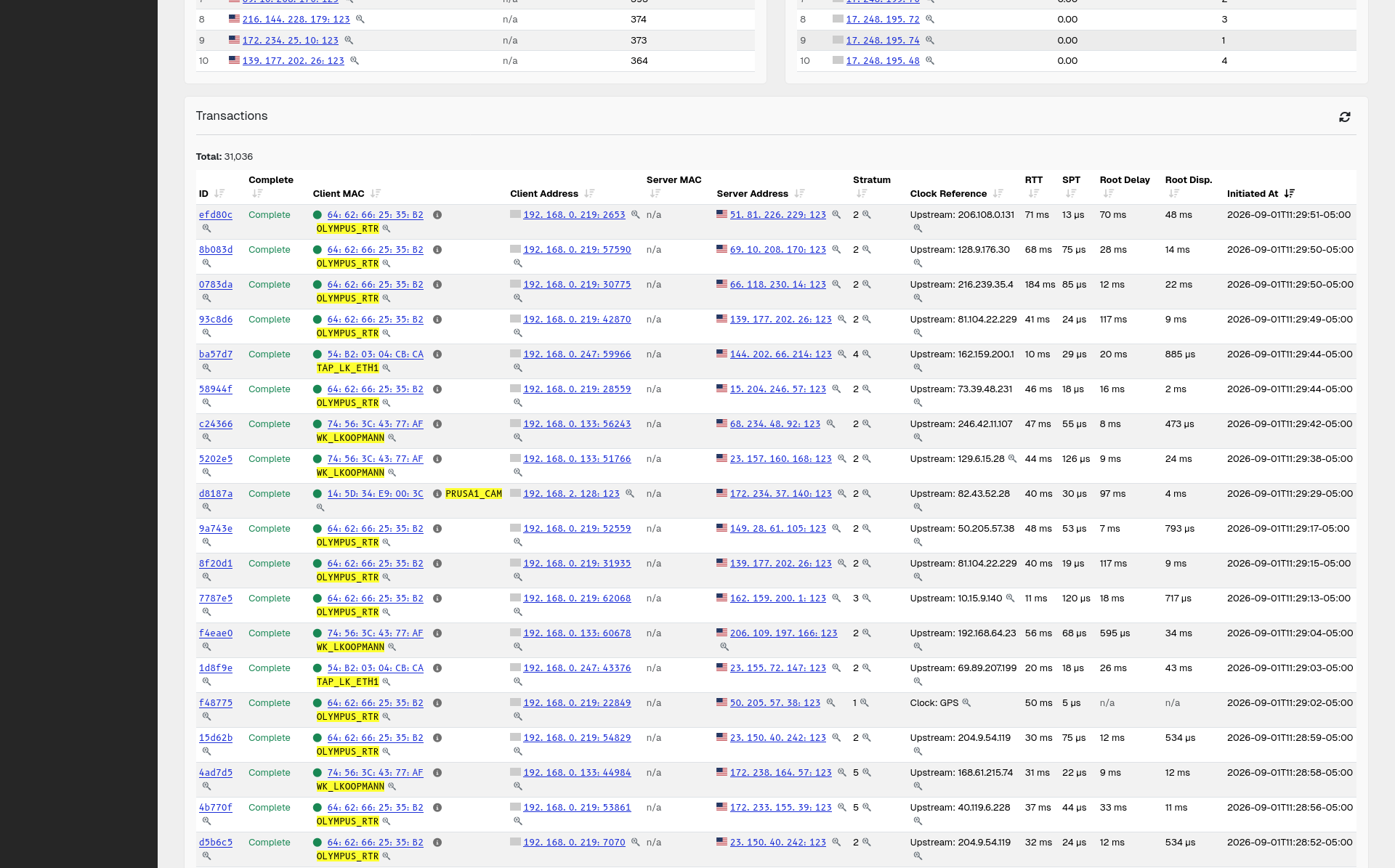
Nzyme parses and tags NTP through Protocol Tagging, so time synchronization stops being an assumption.

  • See which time servers are actually in use. Every host and the server it synchronizes with is recorded, which is the only way to confirm that your approved time sources are the ones being used.
  • Find hosts using external time sources. A device on a segment that should not reach the internet, but is syncing with a public NTP pool, is both a policy problem and a sign to look at egress controls.
  • Investigate time as an attack surface. Manipulating a host’s clock can invalidate certificates, break authentication, or make log timelines unreliable. See it with the traffic recorded here.

Monitors

Nzyme ships with detections for the attacks and conditions most organizations care about, but every environment has its own definition of unusual. Monitors close that gap by turning any search you can run in Nzyme into a standing alert condition. If you can find it once with a filter, you can have Nzyme keep watching for it.

That covers the questions only you can ask: a host in a segment that should never speak SSH, DNS queries going to a resolver that is not yours, a SOCKS tunnel anywhere in production, or sessions to an organization your company does no business with.

How they work

You build a search on any supported page, narrow it with filters, pick the taps it should cover, and save it as a monitor. From then on Nzyme runs that search on a schedule and raises a detection event whenever the number of results crosses the threshold you set.

  • Built from the searches you already run. Any supported search page has a Save as new Monitor option, so there is no separate query language to learn.
  • Runs on your schedule. Each monitor has its own interval and lookback window, from once a minute to whatever pace fits the condition you are watching.
  • Triggers on a count, not just a match. The trigger condition is based on how many results the search returns, which lets you separate normal background activity from a real spike.
  • Alerts like any other detection. A triggered monitor produces a regular Nzyme detection event, so it flows into the same alerting and notification paths as everything else.
  • Reusable as a filter. Anyone can load an existing monitor on a search page to see exactly what it matches right now, which makes tuning straightforward.
  • Permission controlled. Creating and editing monitors requires the Manage Monitoring permission for the subsystem.

Captive Portal Monitoring

A captive portal is the page that appears when a device joins a guest network, like at a hotel, an airport, or a conference. Until someone accepts the terms or logs in, the network intercepts traffic and answers with that page instead. Devices look for it automatically, and the operating system opens it in a browser window on its own.

Because a user usually does whatever it says, it is an unusually effective place to run an attack. Portals have been modified to phish for credentials, to ask for an email address and a password, and to serve fake software updates. More recently they have been used for ClickFix attacks, where the page tells the user to paste a command into the terminal or the Windows Run dialog to “verify” or “repair” their connection. The instruction arrives in an open window as soon as the user joins the network, which makes it seem authentic.

Nzyme watches the captive portals on your networks, records what they present to users, and alerts you when anything changes.

This is just as useful for networks that are not supposed to have a captive portal at all. If an attacker manages to get into a position to intercept traffic, for example by compromising a gateway, and uses it to inject a portal of their own, Nzyme alerts you the moment a captive portal appears where it shouldn’t, turning that absence into an active signal of compromise.